1Step 1
docs.example.com/setup
REC
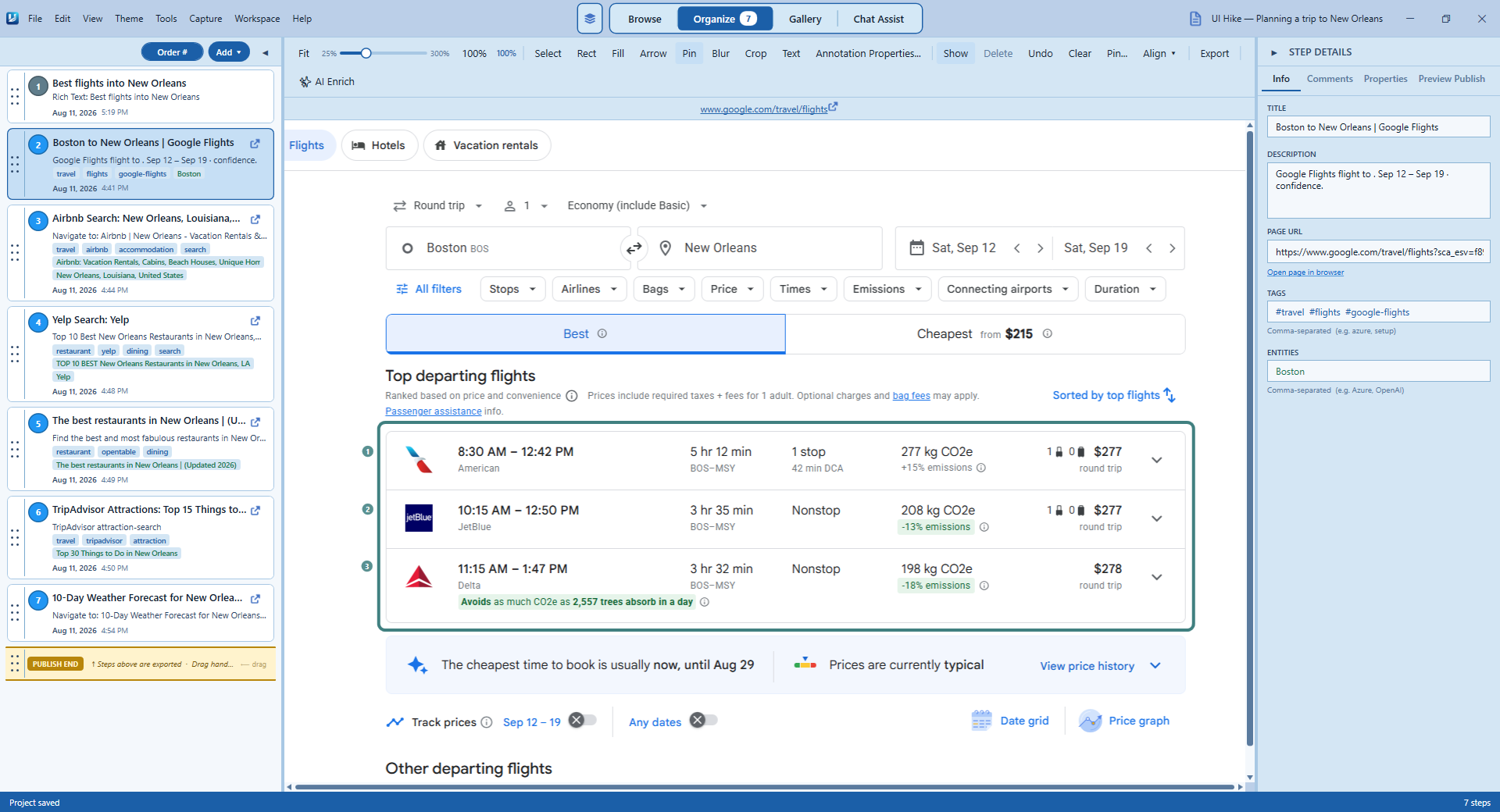
Record the process
Work normally while UIHike captures each screenshot, click, URL, and note in sequence.
UIHike captures every click, screenshot, URL, and note while you work, then organizes everything into one reusable team guide.
No credit card required. Start locally on Windows; create an account only when you want cloud sharing, sync, or AI features.
How it works
UIHike captures each step as you work, so your team has the context they need without asking you to explain it again.
Work normally while UIHike captures each screenshot, click, URL, and note in sequence.
Reorder, annotate, and redact what you captured before anyone else sees it.
Publish a single walkthrough your team can follow without a meeting or account.
Real published walkthrough
This public guide was captured and organized in UIHike. Open the full walkthrough in a new tab to experience it the way a teammate would.
Open the live walkthroughOpens in a new tab. No viewer account required.
Published guide
Built for team knowledge
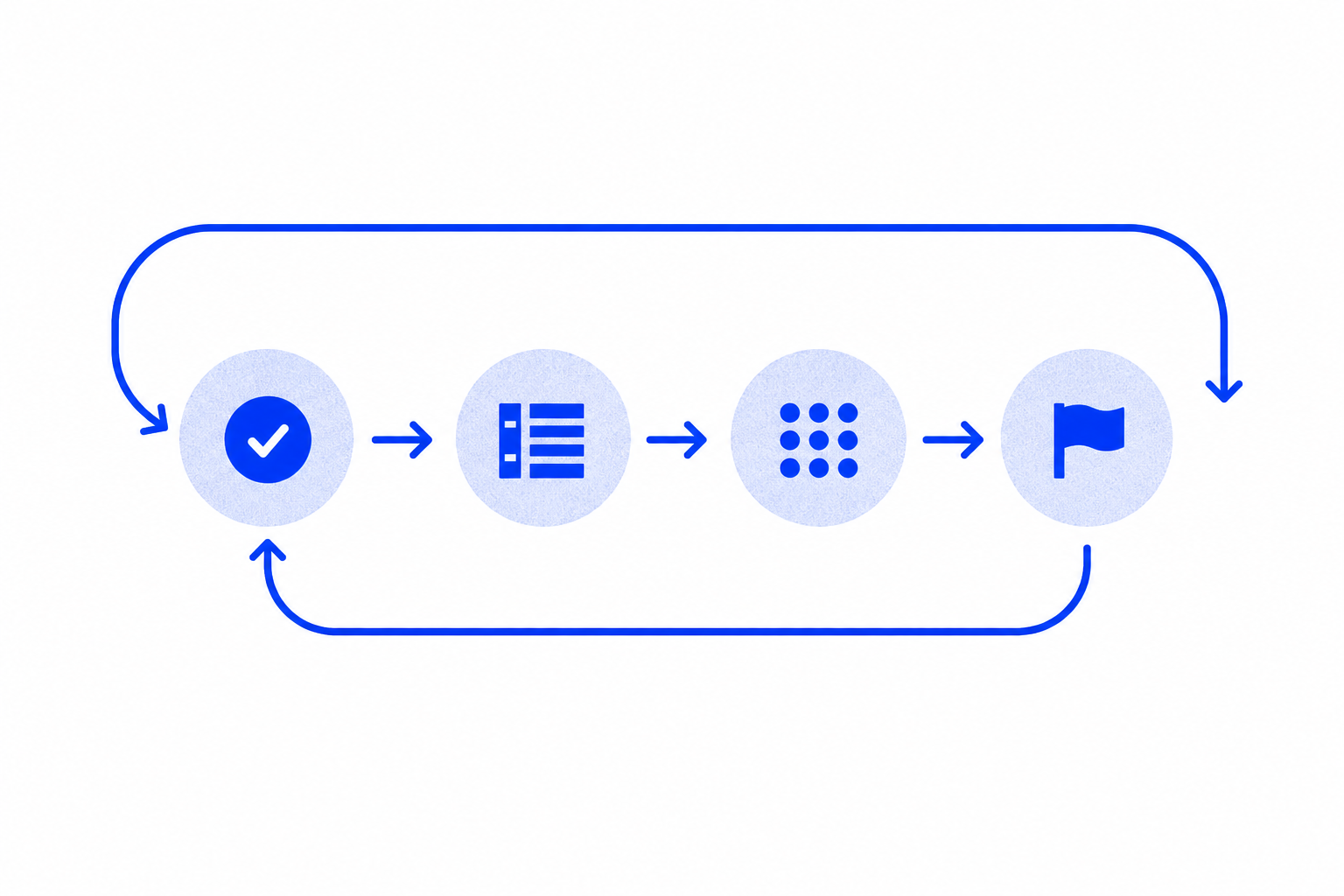
Turn a process you already perform into an ordered guide the next person can reuse.
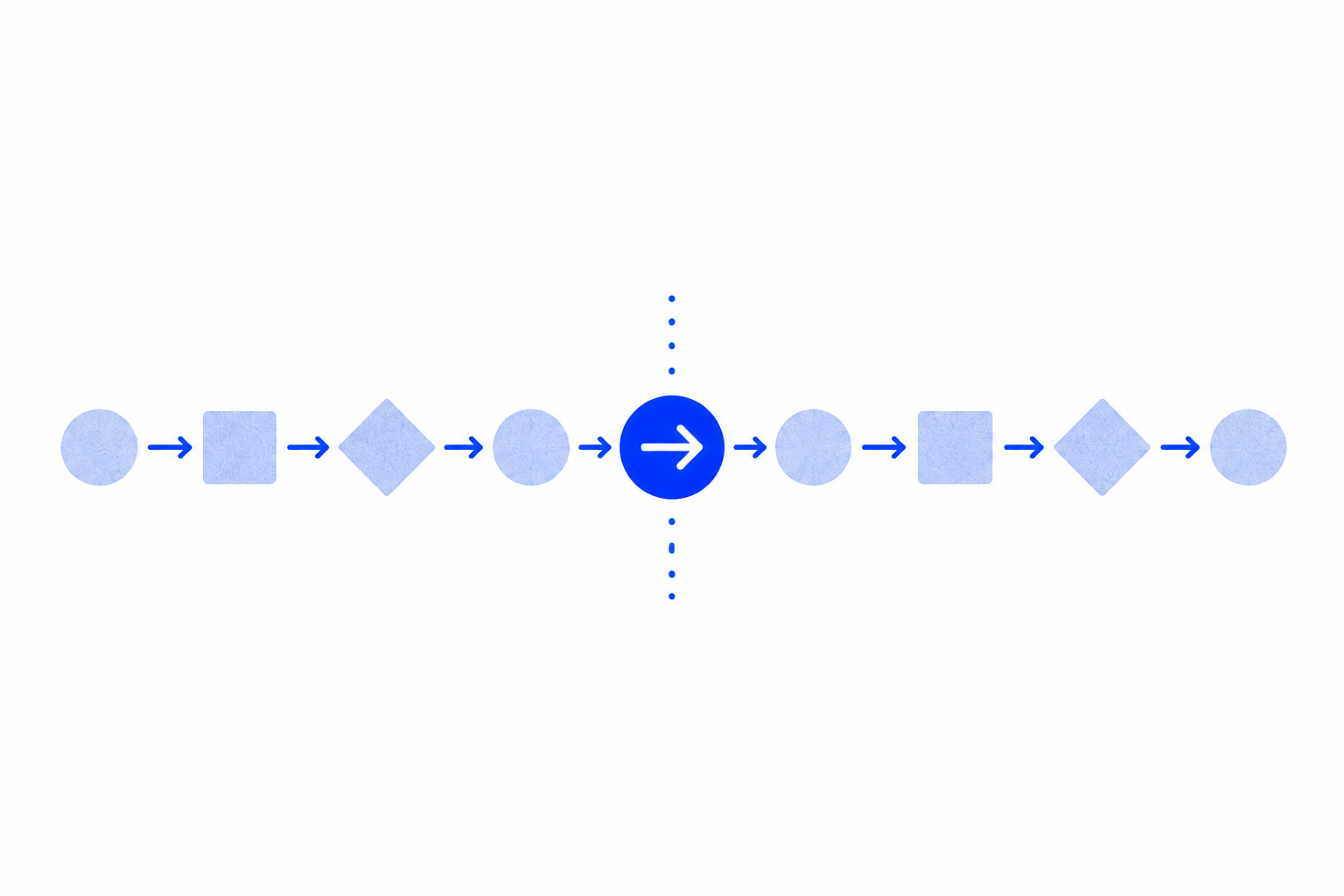
Give teammates the steps, screenshots, links, and decisions behind the work—not just the result.
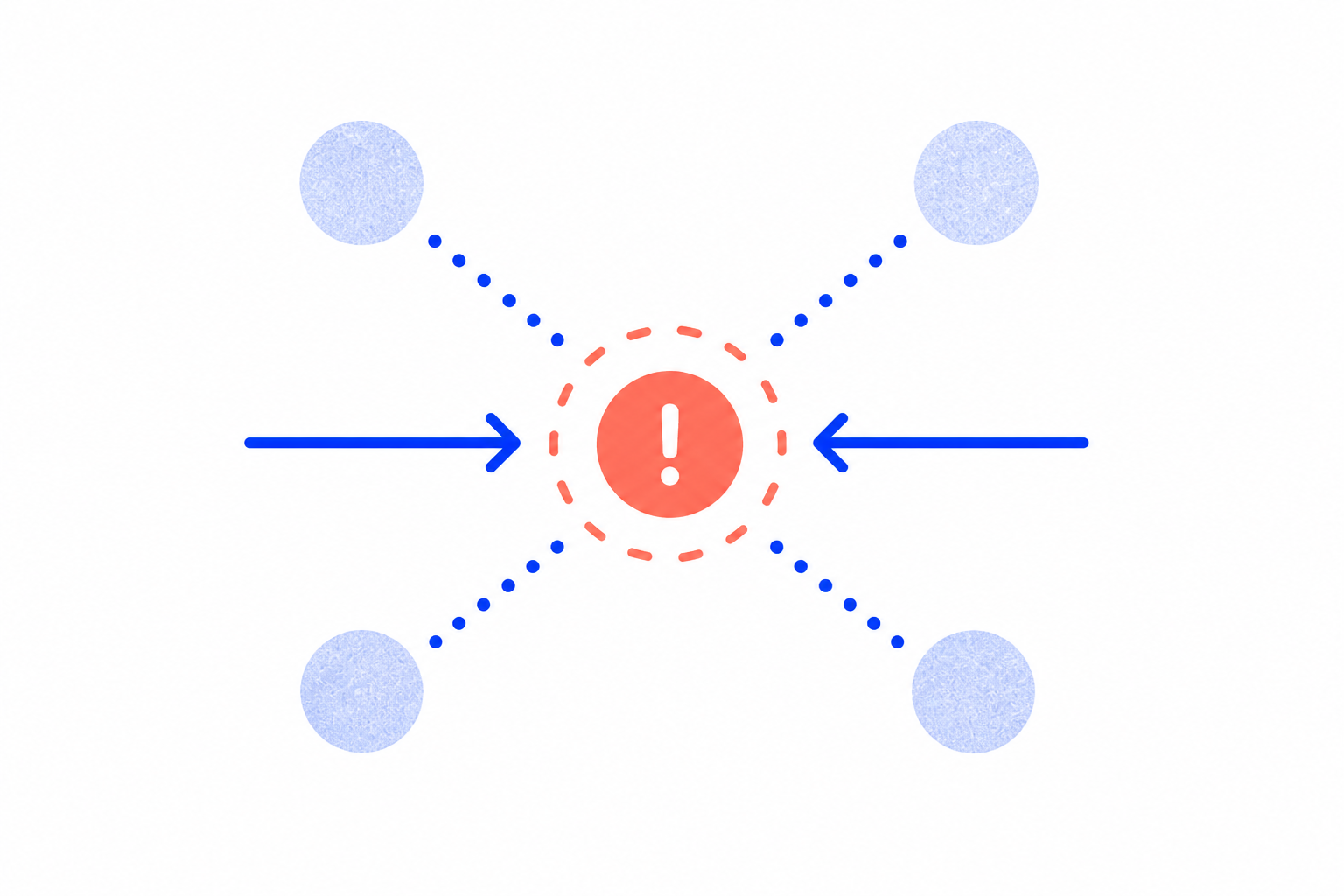
Show exactly what happened, where it happened, and how to reproduce it without a long back-and-forth.
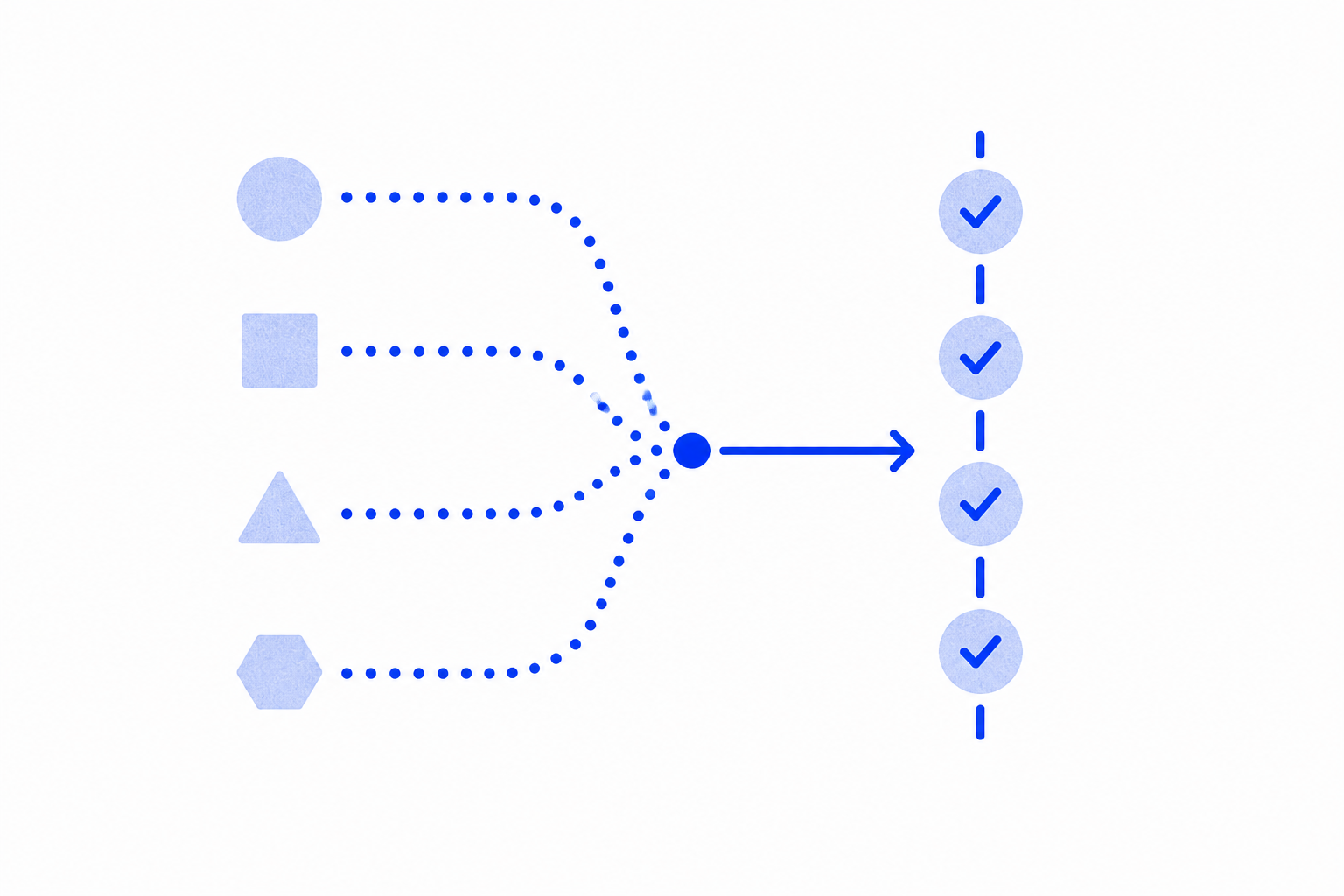
Capture evidence across browsers, PDFs, spreadsheets, and Windows apps in one consistent record.
Context stays attached
Every step keeps the evidence and explanation together, so teammates spend less time asking where a screenshot came from or what to do next.
Capture the process while you already have the full context.
Keep the screenshots, links, notes, and order together.
Let the next person follow along at their own pace.
Start with a process you already do
Start locally on Windows. Capture now, refine when you are ready, and share only when the guide is complete.